AI agents that run your office's recurring work
Intake, sorting, drafts, follow-up, and chasing documents, handled by agents inside the email, calendar, and files your office already uses. Anything that leaves the office waits for a person. It starts as one fixed-price project, and if you want, the studio keeps the agents running month to month.
The agents at work
What the agents do
The recurring work of a small office: the requests, documents, and follow-ups that cross email, calendar, and files every day.
- Take in every request. Email, web forms, and phone messages captured into one list, so no request depends on someone noticing it.
- Sort and route. Each request labelled by type and urgency and passed to the person who owns it.
- Prepare the drafts. Replies, reminders, and routine documents drafted from your templates and past wording, ready for a person to approve.
- Chase what is missing. Reminders for missing documents, signatures, and answers, drafted on schedule and sent once a person approves them. Nobody has to remember to chase.
- Keep the follow-up visible. Open requests, promises, and deadlines tracked in one shared view until someone closes them.
Where to start
Two fixed-price ways in. Each is scoped in the free call and priced before any work starts.
AI Workflow Sprint
One workflow that costs the office time, mapped end to end, then three focused automations built on it and running on your real work, with a person approving what goes out.
Hands-on sessions for your team
Working days with the owner and staff on the team's own recurring tasks. The team leaves with working setups, a written playbook for the office's tools, and a follow-up visit once the setups have run on their own.
What you receive
A map of the workflow
The process drawn end to end: where work enters, who holds it, where it waits, and which steps an agent should run.
Working agents on your tools
Agents running on the office's real email, calendar, documents, and task lists. No new platform to learn.
One approval queue
Drafts and proposed actions wait in one place for a yes, an edit, or a no.
A log of every run
What each agent did, read, and handed to a person, there to check at any time.
Handover notes
How to run, pause, and extend the agents without me in the room.
How it runs
One workflow at a time, mapped before anything is built. Which work the agents touch, and when that widens, stays your call.
Map the workflow
With the people who run it: where work enters, which tools it crosses, and where it waits.
Sort every step
Automatic, AI-assisted, or human, and what is not worth touching yet. You choose what gets built.
Build on your tools
Read-only first where possible, then the actions the office approves.
Approve what matters
Nothing reaches a client, and no record is changed or deleted, without a person's approval. Unclear cases wait for a person too.
Run and widen
The agents run every day; what they handle grows as the office trusts them.
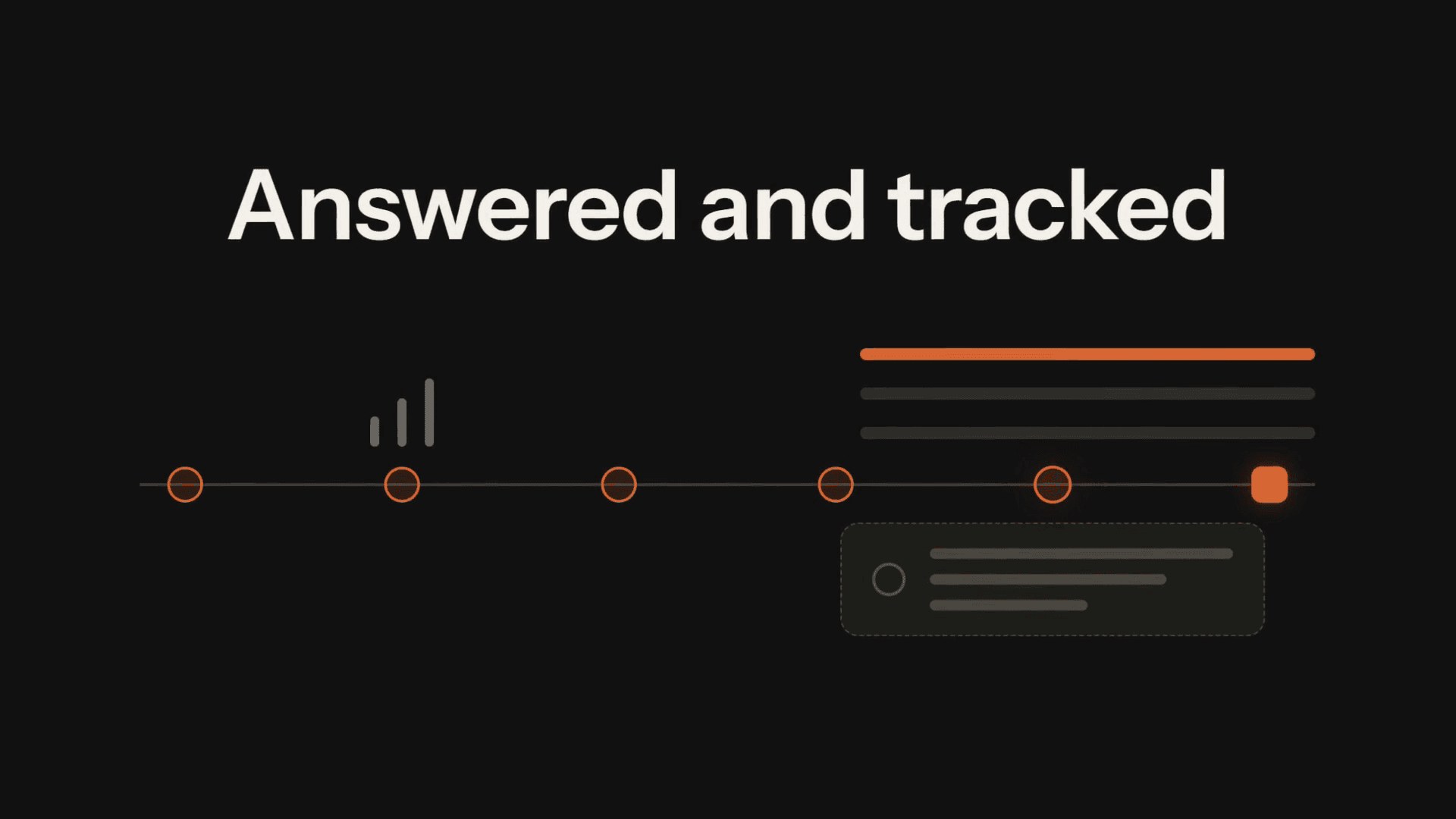
One intake, run by agents
A simplified flow, not a client case study.
- New requestemail · form · call
- Captured and sorted
- Draft reply prepared
- Missing documents chased
- Human approval
- Answered and tracked
The work so far
A prototype, shown with sample data. The system running today for a client office stays private, so it is not shown here.
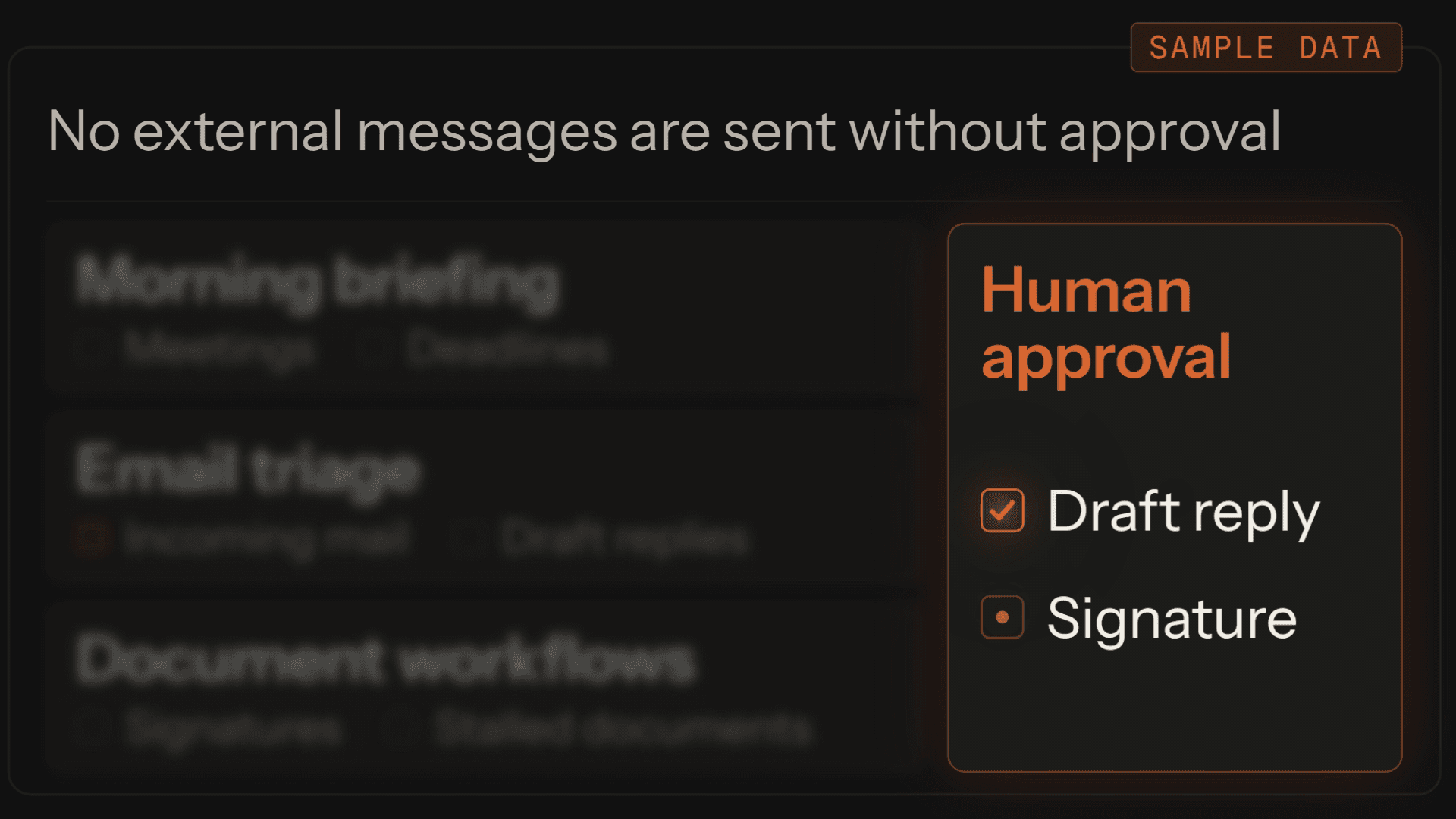 Prototype
Command Center
Overnight mail and documents in one morning view, with drafts awaiting approval.
- Work panel ×3
- Approval queue
- Film cut ×4
After the project
What the project delivered stays yours. When you want the studio to run your office's recurring work, that is the managed office.
- What stays. The workflow map, the agents, the approval queue, and the run log: yours, documented, and running.
- What the managed office adds. The studio runs the day's recurring work, month to month: the morning briefing, triage, documents, and follow-up.
- How it starts. A one-time setup, then month to month, scoped in one conversation. Nothing is sent or changed without your approval.
Start with the workflow that eats the most time.
Ask for the scoping call. We look at one workflow together and say which steps an agent should run and which must stay with a person. You get a written read either way.